
How it works
Set up once. Play every time.
Launched turns the phone you already own into a hitting monitor, a scoreboard and a ballpark. Here is everything it takes, from the first setup to the hundredth swing.
What you need
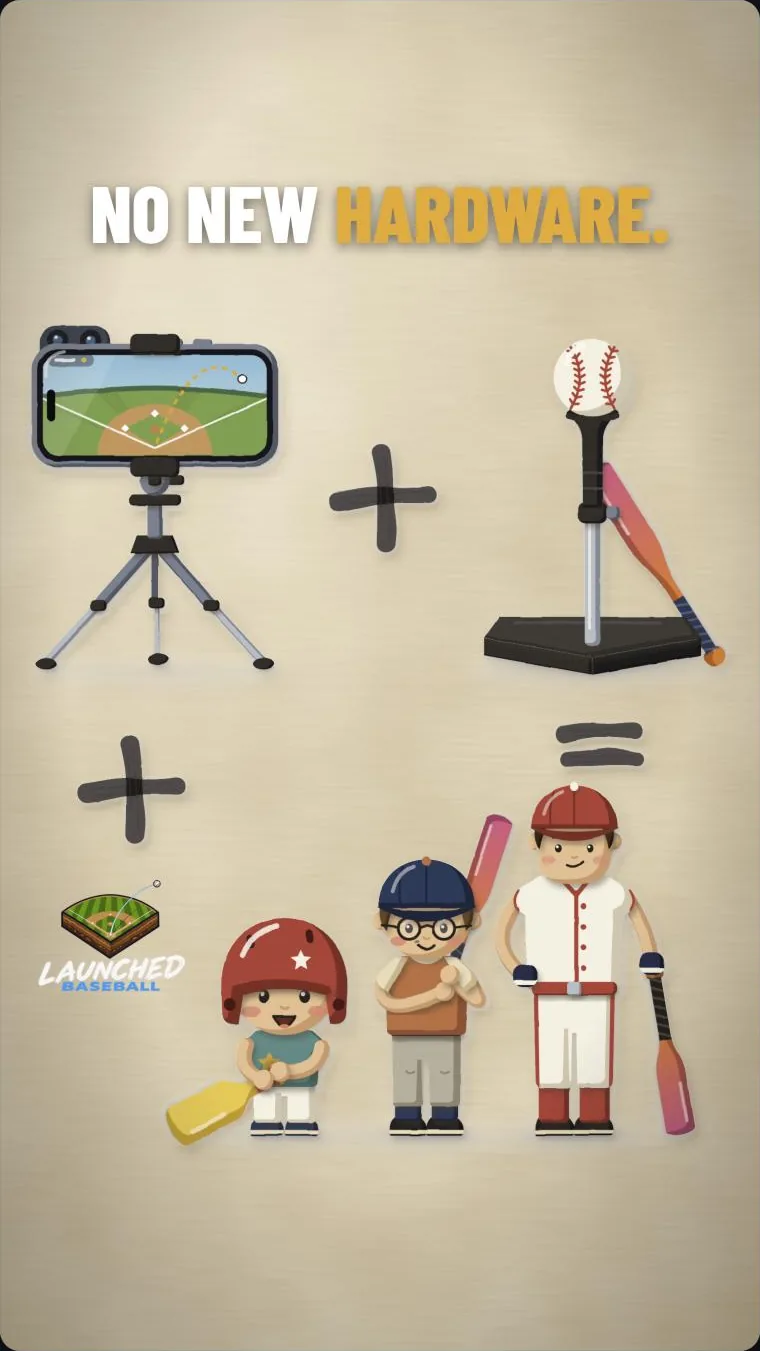
No new hardware.
- An iPhone or iPad running iOS or iPadOS 17 or later, and something to stand it on. A cheap tripod is ideal.
- A bat and a ball. Any bat. A baseball, softball, tee ball, wiffle, foam or tennis ball, or one of your own.
- A tee, or someone to toss. Launched reads hits off a tee, soft toss, front toss and pitches. For tosses and pitches, put a net behind the batter too.
- Something to stop the ball: a net, an impact screen or a blank wall a few feet out.
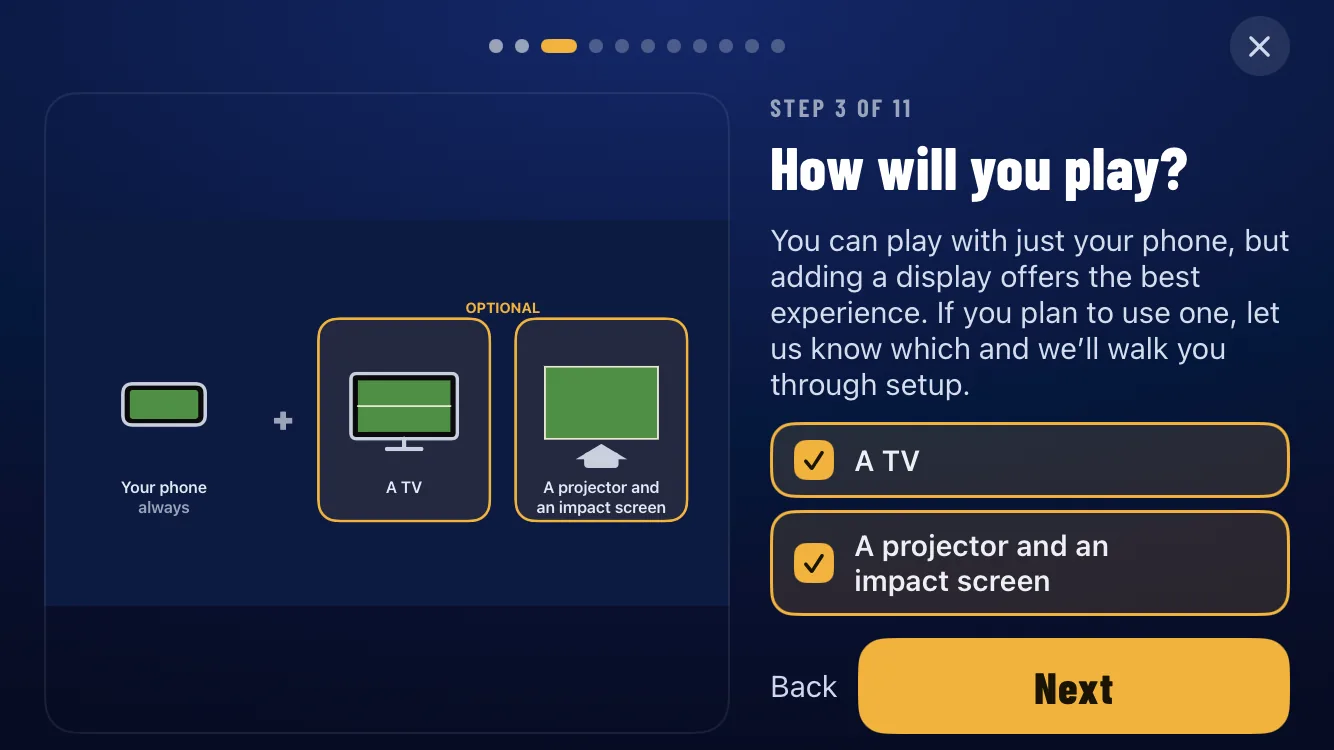
- Optional: a bigger screen. An iPad or a second iPhone, or a TV or projector your iPhone can reach with AirPlay or a cable.
No sensors, bat attachments, radar or Bluetooth. Nothing to charge or pair.
Set up once
A three-minute walkthrough.
The first time you open Launched, a short walkthrough asks whether you will play on the phone, a TV or a projector, and gets your room ready. After that it remembers.
- Stand the phone to the side. About 3 to 5 ft from where the ball is hit on the ultra-wide lens, or 6 to 9 ft on the standard lens. The app shows you when it has a good view.
- Turn up the lights. The brighter the room, the cleaner the read.
- Clear the background behind the ball where you can.
- Need a hand? Help in the app answers the common questions, right where you are.
Every swing
Ball, ding, swing.
Once you are set up, every rep runs the same way.
Tee it up or toss it
Set the ball on the tee where the box on screen shows it, or get set for a toss or a pitch. The app sees which it is.
Wait for the ding
READY TO HIT turns green and the phone dings when it is ready for you.
Swing
The camera watches the ball leave the bat in high-speed frames.
See it land
The ball flies into the park with its numbers, and the game plays it out.
Take a breather whenever you like: after a while with no swing, the app pauses and waits for you.
The numbers
Read from the ball itself.
Launched does not guess at your swing from your stance. It watches the ball as it leaves the bat, in the camera's high-speed frames, and reads what the ball actually did.
- Exit velocity in mph: how hard the ball came off the bat. Measured.
- Launch angle in degrees: how steeply it left. Measured.
- Carry in feet: how far it would fly in the park, worked out from the speed and angle with a flight model for the ball you are using.
- Any ball you've got. Each session asks which ball you are using, so a foam ball is read as a foam ball. Add your own ball with its size and weight.
The big screen
Phone, iPad, TV or projector.
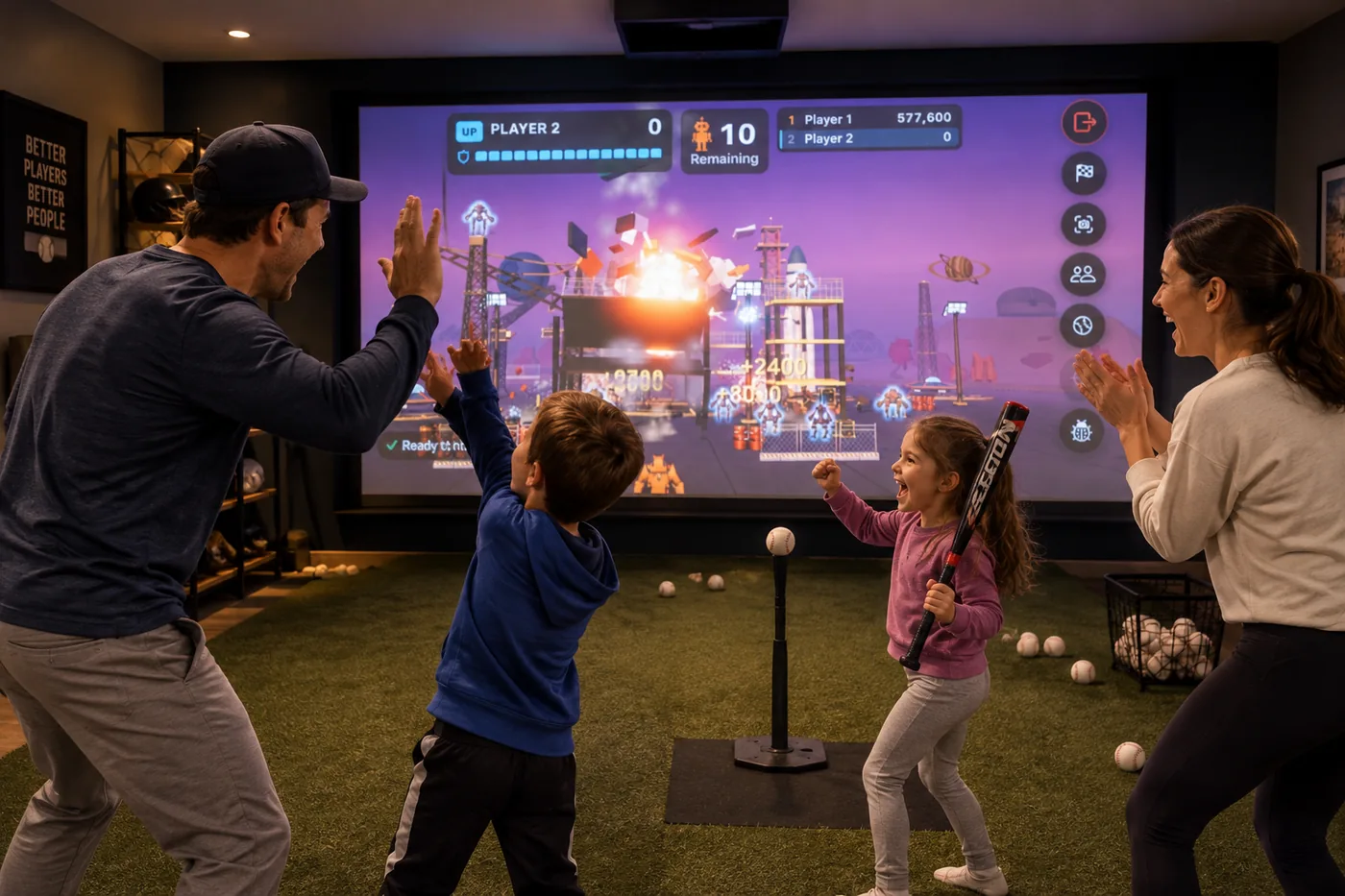
Launched plays the whole game on the phone. Pair an iPad or connect a TV or projector and the ballpark moves to the bigger screen, while the phone stays on its stand beside the hitter, watching the ball and running the controls.
- Fit it once. Drag the edges to fit the picture to any screen shape, and each screen remembers its fit.
- Match my room. Line the picture up with your hitting screen, and the ball on screen starts its flight right where the real ball hit.
- A TV or projector connects with AirPlay or a cable, the way you already connect your iPhone.
- An iPad or a second iPhone pairs with the device filming the hitter. On the iPad, tap Device as display. On the filming device, type the six digits the iPad shows. After that they connect by themselves, with no Wi-Fi or router needed, so it travels to the batting cage.
Players and records
Everyone keeps their stats.
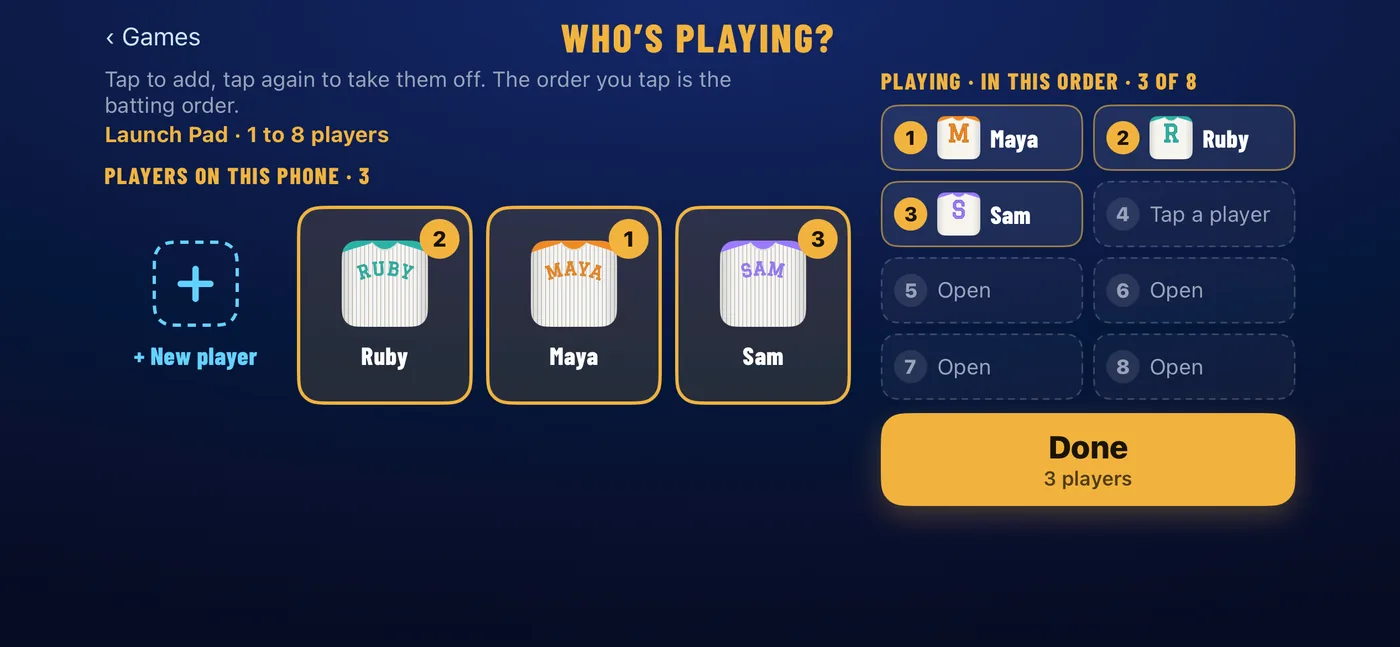
Add each player once: a name, one of ten colors, and a jersey with their name across the back. Tap who's up, and every hit is filed under them.
- A hits page for every player, with an overview, every session charted, and their records.
- Slow-motion replays of every swing, opened at the top of the swing so you can step through to contact.
- Side by side. Pick two replays to play together and see what changed.
- Export to share a replay or a comparison, tall for a story or wide for a screen, with the hit's numbers and its flight drawn on.
- Records: fastest, longest and hardest hit, with speed clubs from 30 to 100 mph and distance clubs from 50 to 300 ft.
- The power chart turns the batter's name into a meter that fills up against their own average and best. A top hit earns LAUNCHED!, and a new record is called out loud.
Requirements
What it runs on.
- iPhone or iPad with iOS or iPadOS 17 or later. We will publish the full list of supported devices before launch.
- Room to swing safely, with the phone a few feet to the side of the hitter.
- Good light. Indoors or out; a brighter room gives a cleaner read.
- Optional: an iPad or a second iPhone, or a TV, Apple TV or projector, for a bigger screen.
Still have a question? See the FAQ.